


Open BitKingz on Mobile
There is no separate mobile registration. Your balance, settings and eligible promotions remain tied to the same account.
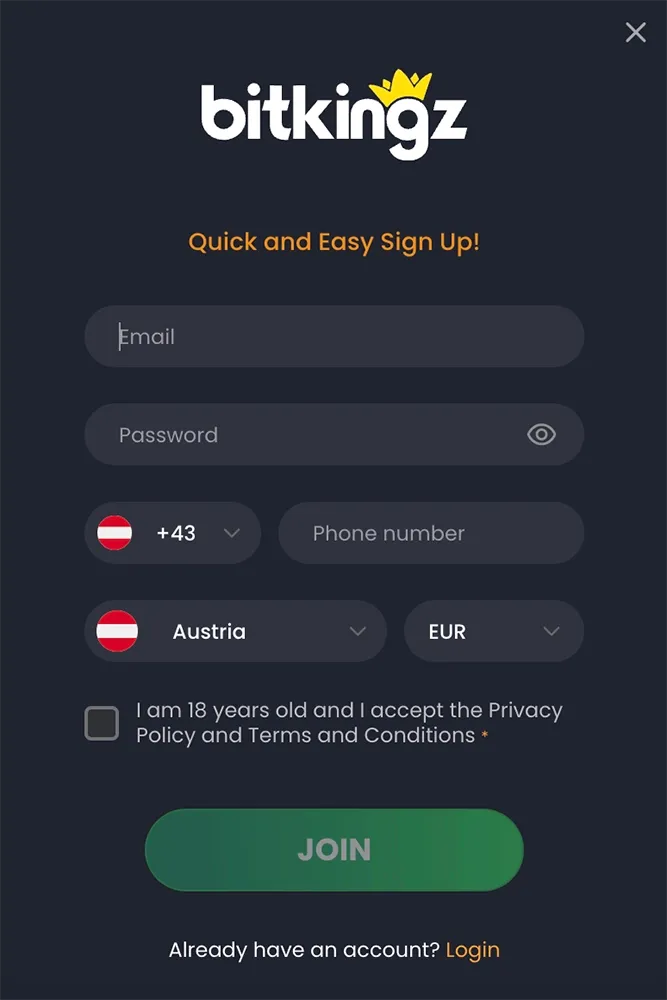
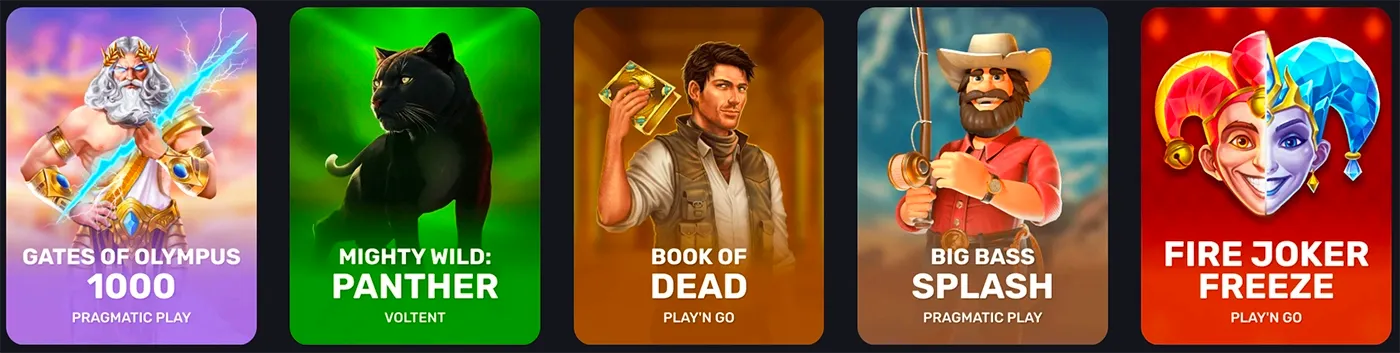
Use BitKingz directly in your phone browser to access games, your account, payments, bonuses, tournaments and support. A separate APK or App Store download is not required. The same account works on desktop and mobile, and BitKingz can be added to an Android or iPhone home screen for direct access.
There is no separate mobile registration. Your balance, settings and eligible promotions remain tied to the same account.

Chrome can add a direct BitKingz shortcut without downloading an APK.
Add to Home screen.BitKingz runs in the mobile browser and does not require a separate APK file.
Use Safari to create the home-screen shortcut on iOS or iPadOS.
Add to Home Screen.No separate App Store package is required for this access method.
| Feature | Mobile access |
|---|---|
| Existing account login | Use the same registered email and password |
| Registration | Register directly from mobile |
| Slots and casino games | Browse titles available in the mobile lobby |
| Live casino | Open supported live tables and game shows |
| Bonuses | View and activate rewards in the account; full rules on Bonuses |
| Deposits | Open the mobile cashier and choose an available method |
| Withdrawals | Submit and follow a payout from the account menu |
| VIP | View KP, level progress and available rewards; see VIP Program |
| Tournaments | Open active events, leaderboards and eligible games; see Tournaments |
| Support | Use mobile support or live chat |

The mobile lobby includes the same main game families as desktop:
slots across Top, New, Trending, Bonus Buy, Jackpot and Megaways categories
live blackjack, roulette, baccarat and game shows
crash games such as Aviator and Spaceman when available to the account
demo play on titles that expose a fun-play mode
The exact title list can differ by device, provider, account and jurisdiction. A game that is available on desktop can still be unavailable on a specific mobile setup.
| Access method | Download | Account | Updates | Storage |
|---|---|---|---|---|
| Mobile browser | None | Existing BitKingz account | Automatic | Browser cache only |
| Home-screen access | Added from browser | Existing BitKingz account | Automatic | Browser-managed storage |
| Separate APK | Not required | — | — | — |
| Separate App Store package | Not required | — | — | — |
Because the browser version loads the current site directly, there is no separate app package to update manually.
| Problem | Direct resolution |
|---|---|
| Home-screen option is missing | Open BitKingz in Chrome on Android or Safari on iPhone, then use Add to Home screen from the browser controls. |
| Home-screen icon opens an old page | Remove the shortcut, reopen BitKingz in the browser and add it again. |
| Login fails | Use the registered email, reset the password and complete the reset-email confirmation. |
| Game does not load | Reload the page, close other active game sessions and reopen the title on a stable connection. |
| Live stream stops | Reconnect on stable Wi-Fi or mobile data and reopen the live table. |
| Cashier is not visible | Log in, open the account menu and choose the deposit or withdrawal option. |
| Layout looks outdated | Refresh the browser page to load the latest mobile version. |
BitKingz works directly in a supported mobile browser and can be added to the home screen. A separate APK or App Store package is not required.
Open BitKingz in Chrome, open the browser menu and select Add to Home screen.
Open BitKingz in Safari, use Share, select Add to Home Screen and confirm the shortcut.
No. Mobile access runs in the browser without a separate APK file.
No. On iPhone and iPad, add BitKingz to the home screen from Safari if you want direct access.
Yes. Use the same registered email address and password as on desktop.
Yes, supported slots and live games are available through the mobile lobby. The exact game list can vary by device and region.
Yes. The browser-based mobile account includes cashier access for deposits and withdrawals using the methods enabled for the account.
Open BitKingz in your browser and enter the same account credentials used on desktop.
Refresh the page, confirm the connection is stable and reopen the site in a supported browser. If a home-screen shortcut keeps opening stale content, remove it and add it again.
Browser access updates automatically, so there is no APK or App Store package to update manually.

Use your existing account in a supported mobile browser, or add BitKingz to the home screen for direct access to the casino, cashier, tournaments and VIP area.